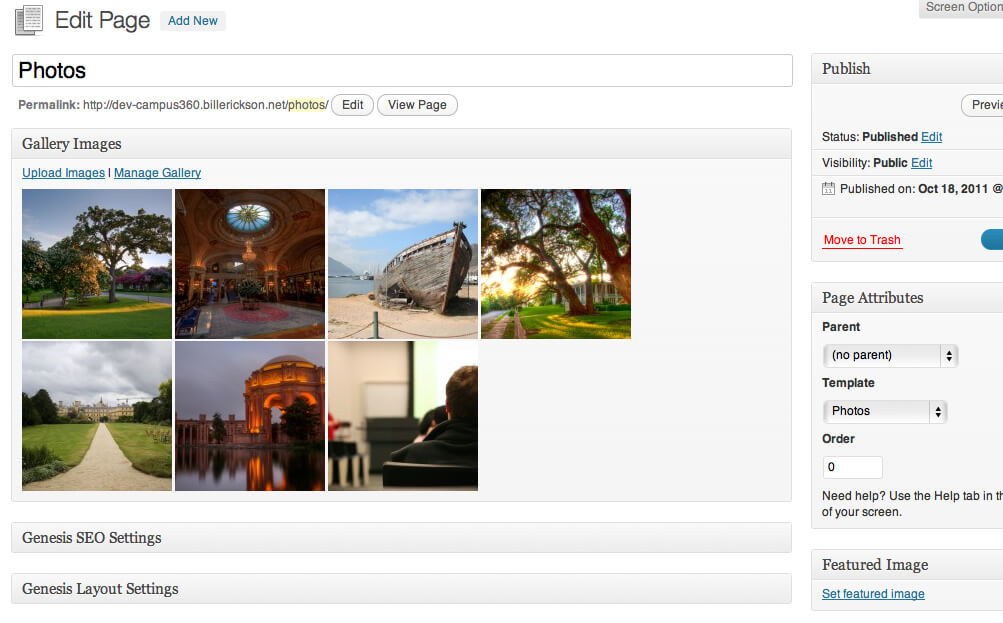
I've been building a lot of galleries using WordPress' built-in gallery feature. The biggest issue is that the gallery feature is rather hidden. You have to click the "Upload Image" icon (which itself is hard for people new to WordPress to find), then click the "Gallery" tab.
To make it easier for my clients, I've written a simple plugin called Gallery Metabox . This adds a metabox below the post editor that displays all the attached images. It also has a lot of filters in place for a developer to customize it specifically to the project (see the plugin page for more information).
For instance, if you're adding a custom field to the uploader to specify which images are in a rotator, you can make the metabox only show these images .
I just built a site for a client that has a photo gallery.
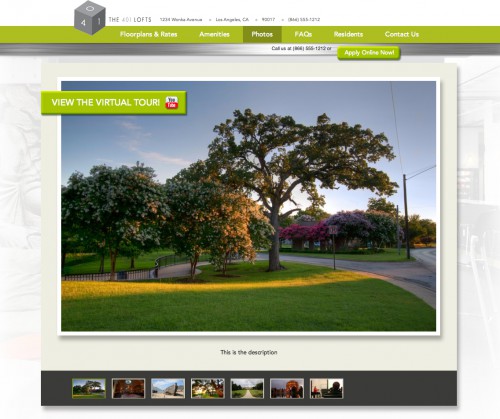
I created a page template called "Photos" which replaces the content area with a photo rotator. But if you edit the page, the edit screen was pretty useless. There's a big empty wysiwyg, and to get to the actual images in the gallery you have to click a small icon, then go to the Gallery tab.
I've added the plugin, along with some code that limits the metabox to this page template . I've also added the following code to the theme's functions.php file to remove the post editor on this page template:
[gist id=1321431]
So now this is what they see when editing that page:
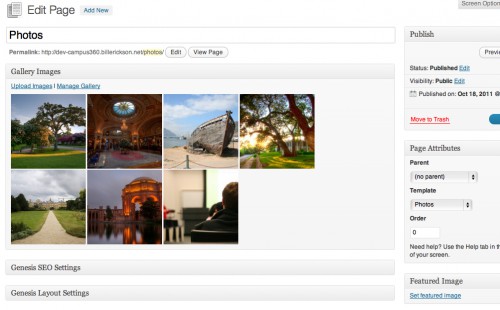
This is by far a much easier user interface for this specific page template. And even if your page isn't solely a gallery, I think this is a useful plugin for quickly seeing which images you have attached to the page or displaying in a gallery/rotator.



No comments yet